
Snapgram: the spec
Unit 25 · Project 5 (Snapgram, an Instagram clone). Your first project with a backend of your own: Supabase for auth, a Postgres database, and storage for photos. It's a real photo app — a feed with stories, a story viewer, explore, comments, and profiles — on the Pair AI rung, with a harder AI checkpoint (a data race that only bites under concurrent load).
Snapgram is a photo-sharing app: sign in, browse a feed with a stories bar, tap into a full-screen story, explore a grid of posts, open a post's comments, upload your own photo, and view a profile. It's an Instagram clone whose backend is the point — real authentication with a session, a Postgres schema protected by Row-Level Security, file storage with signed URLs, cursor-based pagination, pull-to-refresh, and optimistic likes. The follower graph and DMs are deliberately later, higher-tier work.
What you are building
- Auth — email sign-up/sign-in, a persisted session, and a sign-out.
- Feed + stories — a scrolling list of posts (photo, author, caption, like/comment/save) with a stories bar across the top; tap a ring to open a full-screen story.
- Explore — a discovery grid of posts with a search field.
- Comments — a post's comments in a sheet, with an add-comment bar.
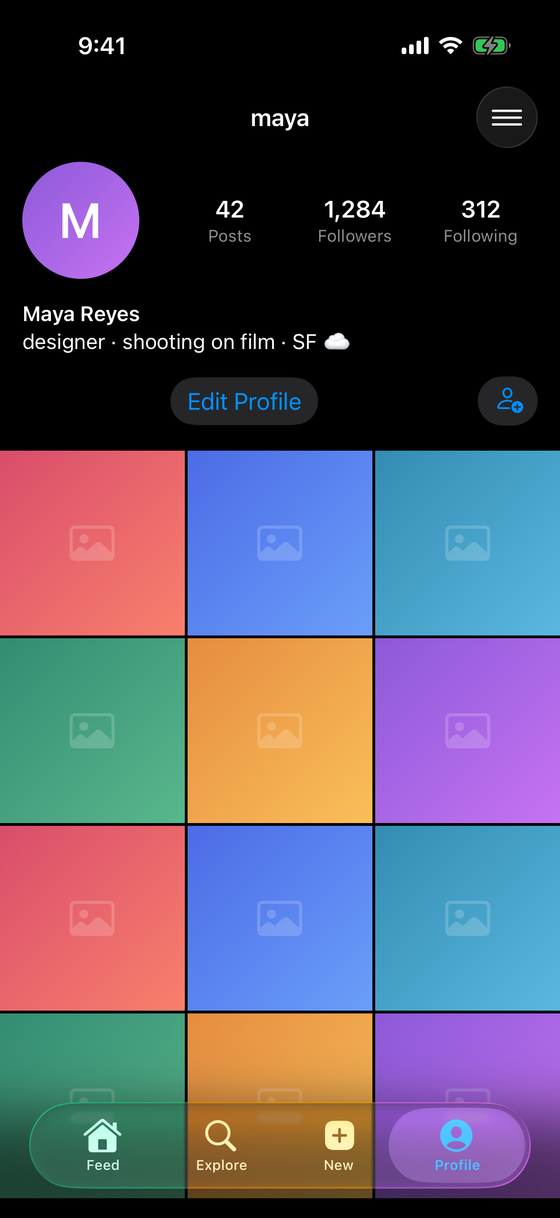
- Profile — a user's avatar, post/follower/following counts, bio, and post grid.
- Upload — pick a photo with
PhotosPicker, upload to Storage, create the post row. - Pagination + refresh + like — cursor pagination, pull-to-refresh, and an optimistic like/save.
What it looks like finished
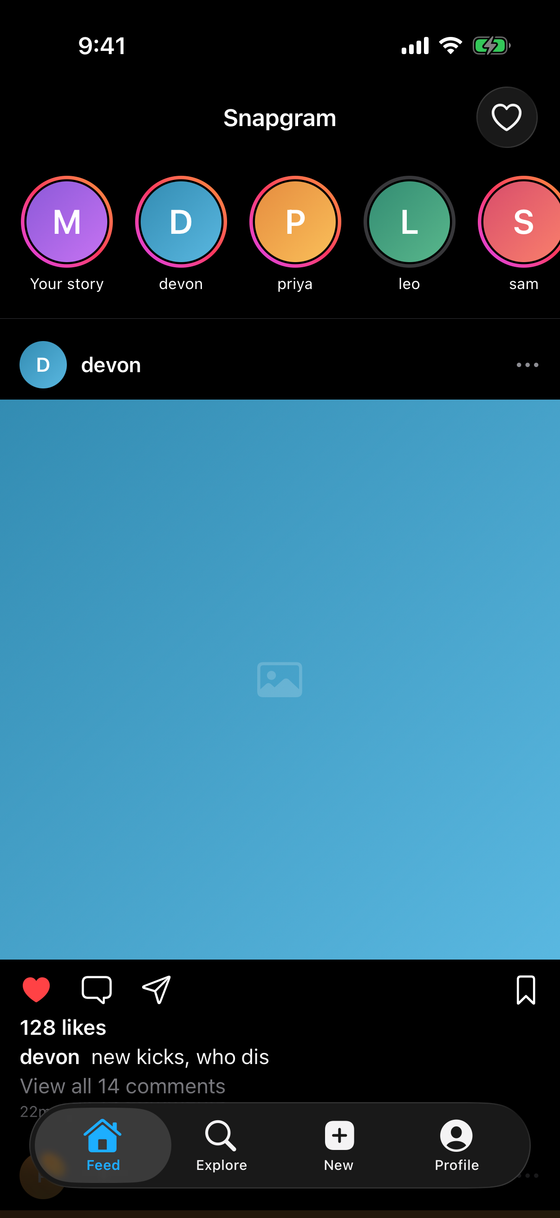
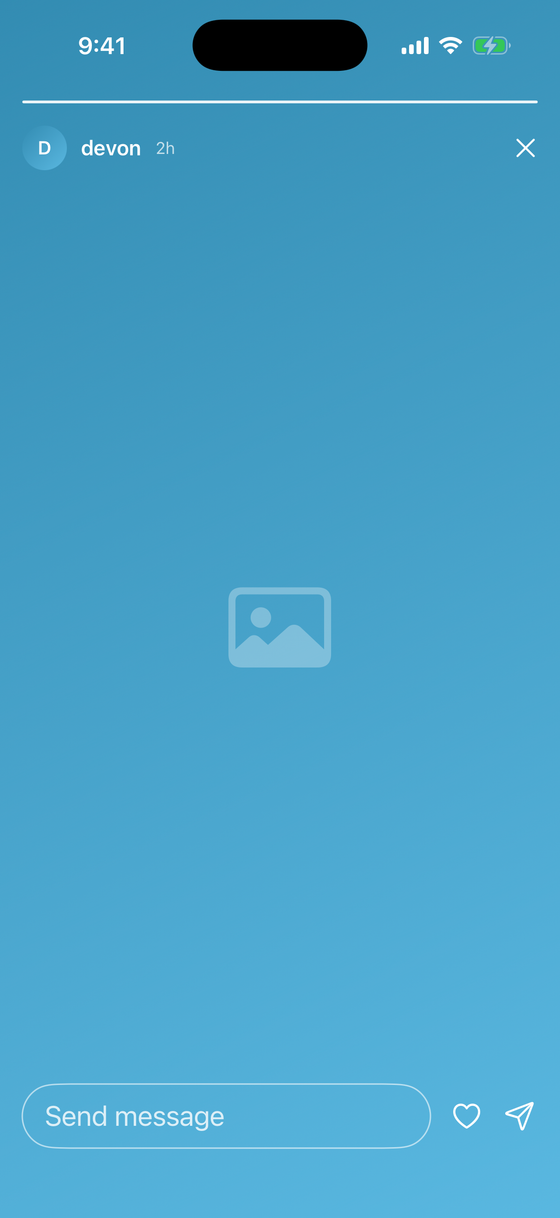
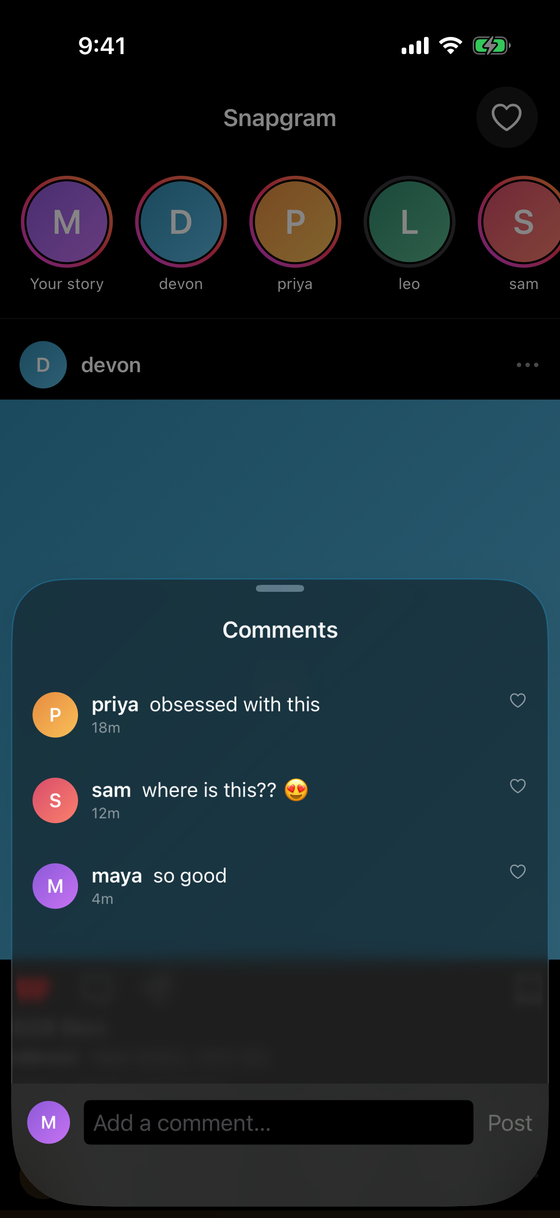
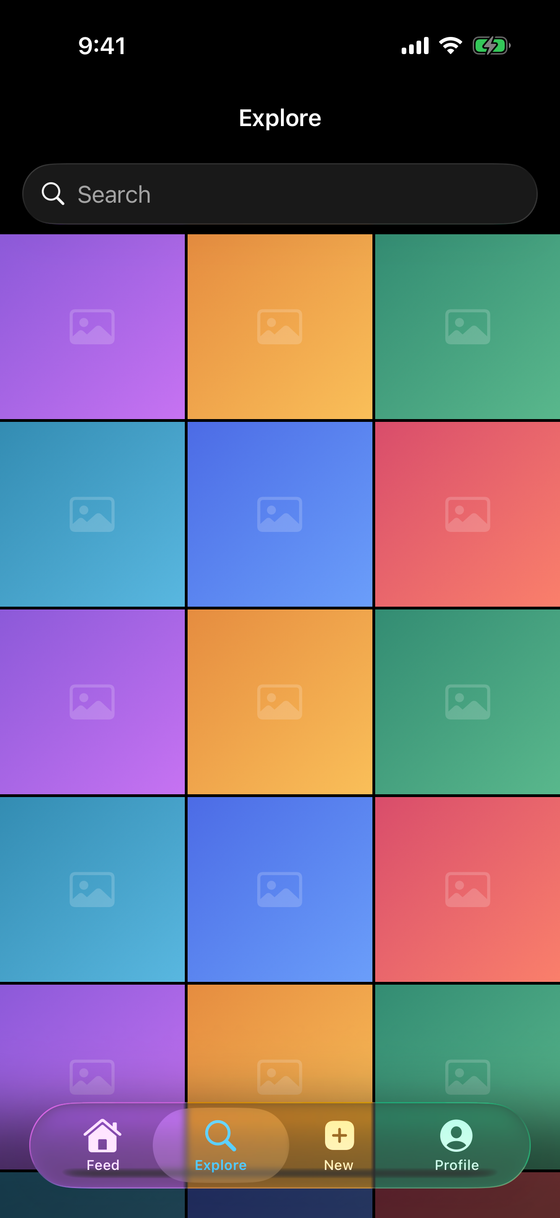
Concepts this project locks in
| Concept | Where it shows up |
|---|---|
| Supabase auth + sessions | sign-in screen, session restored on launch |
| Postgres schema | profiles, posts, likes, comments tables |
| Row-Level Security (RLS) | policies: read the feed, write only your own rows |
| Codable rows | decode Postgres JSON into Swift structs |
| Supabase Storage | upload image Data, get a public/signed URL |
| Cursor pagination | fetch a page keyed by created_at |
.refreshable |
pull-to-refresh the feed |
| Optimistic UI | like/save updates locally first, rolls back on failure |
| Composed surfaces | stories, explore, comments, profile are views over the same tables |
The backend: Supabase
Supabase is a hosted Postgres with auth, storage, and an auto-generated API, plus a first-party
Swift client (supabase-swift). You get a real relational database and real authentication without
running a server. The star of this tier is Row-Level Security: the database itself enforces who
can read and write each row, so security lives in the data layer, not in hopeful client code.
RLS is not optional. A Supabase table with RLS disabled is world-readable and world-writable by anyone holding the public anon key — which ships in your app. Every table you create gets RLS enabled and explicit policies. Treat "RLS on, policies written" as part of "the table exists," not a later hardening step.
The AI stage: Pair (still)
You remain in Pair — AI proposes, you review and approve every diff. Keep running
/swift-review on non-trivial changes. Snapgram's AI checkpoint seeds a concurrency bug a green
test suite and a casual read both miss: a shared, non-Sendable cache mutated from concurrent
tasks. You'll find it, explain why it only corrupts under load, and fix it with actor isolation.
Milestones
- Auth — the Supabase client, email sign-up/sign-in, session handling.
- Feed + RLS — Postgres tables, RLS policies, fetching the feed into
Codablestructs — and the stories bar + a full-screen story viewer on top of the same feed screen. - Photo upload —
PhotosPicker, upload to Storage, create the post row. - Pagination, refresh & the social surfaces — range pagination,
.refreshable, optimistic like/save, and the surfaces that reuse the same query patterns: explore (a grid), comments (a related table in a sheet), and profile (a user's posts + counts). - AI checkpoint — review a Claude-produced feed cache for a data race, then a gradable
companion exercise (
fix-unsafe-cache). - Rubric — self-review and defend your data-layer decisions.
Out of scope (on purpose)
No follower graph (following/followers as a personalized feed), no direct messages, and no push. The feed is global; explore, comments, and profiles read the same public tables. Personalized feeds and DMs are Tier 2+/realtime work in later projects. The point here is the backend spine — auth, RLS, storage, pagination — done correctly.
Knowledge check
Q: What does Row-Level Security do that client-side checks can't? It enforces read/write authorization inside the database, so even a request crafted with the public anon key can only touch rows the policy allows. Client-side checks can be bypassed; the anon key is in your shipped app. RLS is the actual security boundary.
Q: The feed, explore, comments, and profile all show posts. Why isn't that four backends?
They're four views over the same posts/comments tables — a different query or filter each.
One schema under RLS, read four ways: the feed is recent posts, explore is a broader query, a
profile filters by author, and comments join a post to its comments rows.